Get branding tips and expert advice delivered straight to your inbox.

PhotoShelter is a popular DAM for photographers, creative teams and digital agencies because it has features that let you:
- Store all of your brand’s rich media, like RAW images, design files, templates, videos and more, in one online hub.
- Share digital assets with team members, collaborate on new projects in real-time, and make updates to existing content.
- Distribute high-quality digital content across the web — to external collaborators or online mediums like social media sites and eCommerce platforms.
- Create portfolio websites to sell photographs and other digital media to visitors and clients.
- Integrate with other tools in your operations to push files back-and-forth and streamline workflows.
And overall, PhotoShelter receives good reviews (and is rated 3.9 stars on G2), but users mention certain complaints with this software that are worth noting when comparing DAM solutions.
First, reviewers say that the UX is a little clunky and the software requires significant training to learn. (PhotoShelter scores 8.3 in the ease of use category.) It’s hard to just drop users, like freelance designers or retail partners, into the platform without providing instructions to navigate PhotoShelter features.
Next, several reviewers say the AI is lacking — the automated metadata tagging isn’t super accurate or helpful, and it can be difficult to find files once they’re stored in the DAM.
In addition, the platform (including the eCommerce website builder) lacks customization options, so you can’t tailor the DAM’s look or feel to represent your brand. Professional photographers can use alternative sites, like SmugMug, to sell digital media and have better options to build out a personalized photography website.
Lastly, reviewers say that PhotoShelter is a bit pricey, in comparison to other DAM tools with similar features and functionality. It’s not an affordable option for small businesses, and the cost of PhotoShelter can add up as you make upgrades and require more from the platform.
So in this guide, we review five digital asset management PhotoShelter alternatives, focusing on DAMs with high usability scores and features to manage rich media and creative content. We start by talking about our DAM, Brandfolder, and its features for professional photographers.
You can also schedule a free demo with our team to learn more about Brandfolder’s DAM features, integrations and customization options.
1. Brandfolder — Versatile, Scalable DAM for Professionals & Agencies
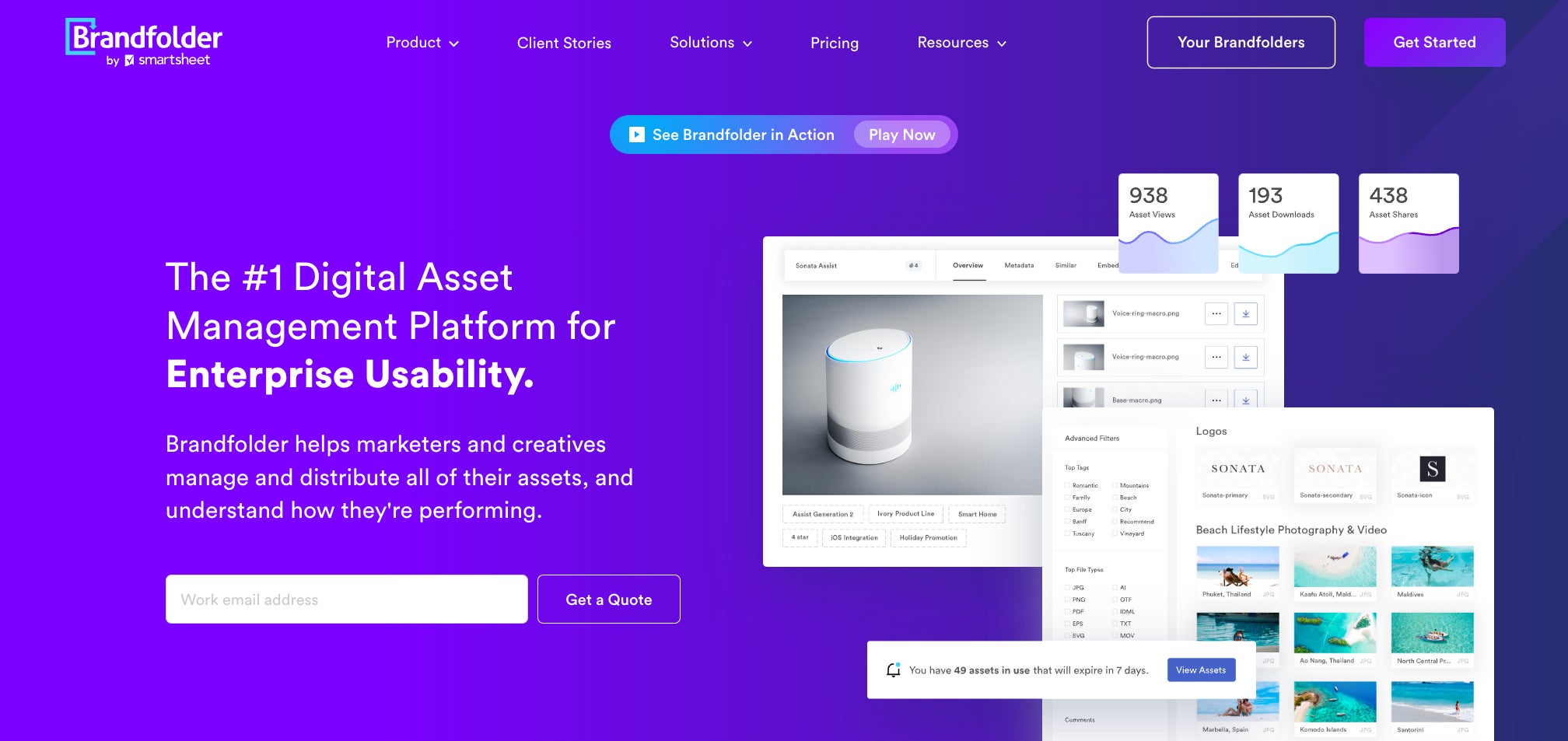
Brandfolder is a top-rated DAM software because:
- We have advanced features that simplify media management — not only do we offer essential DAM features like cloud storage and online sharing, but we have project management features, scalable content automation and video editing so you can work with brand assets more easily.
- Our platform has a very intuitive user interface and easy-to-learn features — we have a 4.5-star rating on G2 and score 9.1 for ease of use.
- We offer flexible set-up options so you can configure Brandfolder to your current needs and adjust storage space, user seats, integrations, etc. as you go. We partner with small photography businesses and agencies with clients all around the globe — pricing is based on your requirements.
Every new client starts with a consultation call where we can learn more about your needs and you can explore our DAM solution. If you feel Brandfolder is the right fit, we’ll talk next steps — our team outlines the entire set-up and migration process so you can get up and running in Brandfolder quickly. In most cases, teams can fully roll out Brandfolder and onboard users in less than two months.
Read more: 10 Digital Asset Management Best Practices From DAM Experts
Now, let’s explore some of our most popular DAM features.
DAM Features to Support Photography Teams
As you can expect with any DAM software, Brandfolder offers **secure, cloud-based storage for hundreds of file types**. Our DAM accepts rich media, design files, 3D models, videos, audio clips, GIFs and more so you can keep everything in one place. (And we’ll help you organize digital assets during migration so your DAM is set up in the most logical way for your end users.)
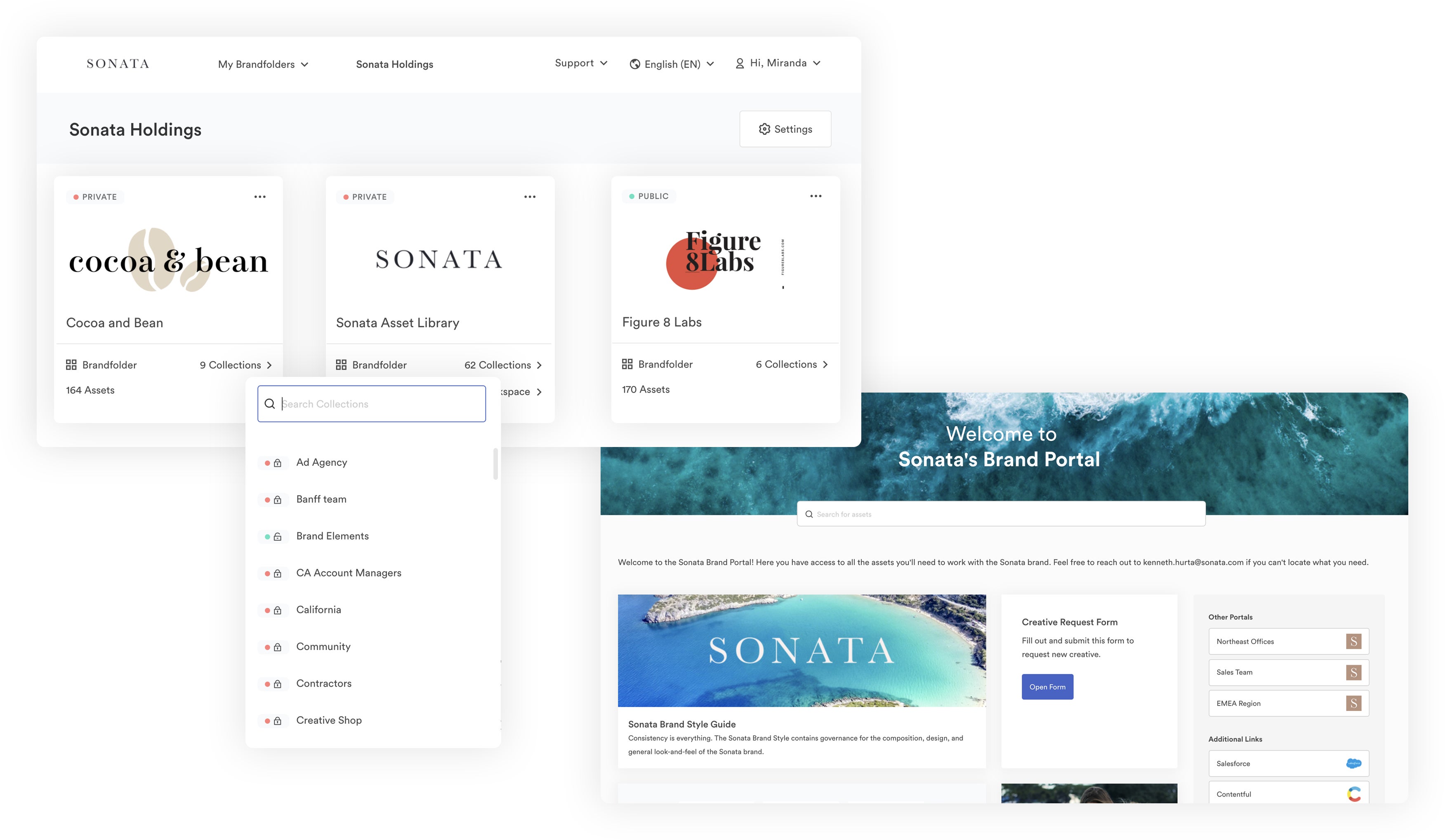
What really appeals to photographers and agencies is our Brand Portals feature — this lets you create “websites” for end-user groups where they can log in and access all of your brand assets that pertain to their roles. Many agencies use these portals to send deliverables to clients, but you can also use them to share content with retail partners or other groups you frequently work with. For further control, you can restrict user access in Portals so some users can view content, others can download, others can make edits and so on and so forth…
Note: When storing digital files in Brandfolder (whether it be in a private Collection or a public Brand Portal), you can customize the asset details and include any information you want end users to have about files. You can add rights management details, instructions on how to use files and more. Our AI (more on that below) automatically adds metadata and tags to your files, but you can even customize that information, too.
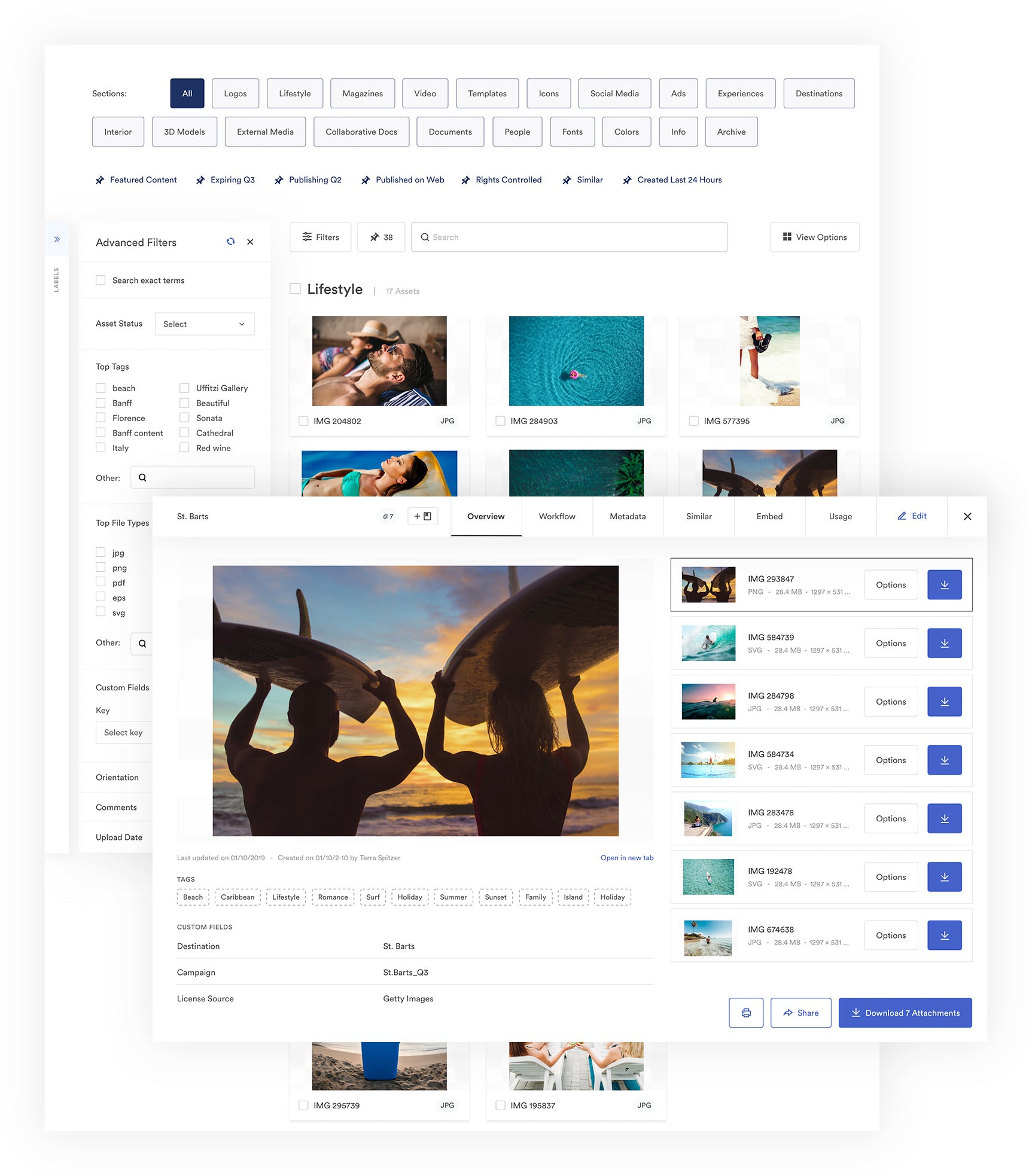
We also have the Brandguide feature where you can publish detailed instructions on how to use your brand’s digital media. You can learn more about that here: How to Develop Brand Guidelines.
But what really sets us apart from PhotoShelter is our DAM’s artificial intelligence. **Brand Intelligence** lets you easily maintain an organized asset library, enables you to quickly search and retrieve files, automates a variety of brand management tasks and provides detailed insights about your content. Here’s how it works:
- Brand Intelligence detects duplicate files and expires old assets so you can make sure that everything in your library is current and approved.
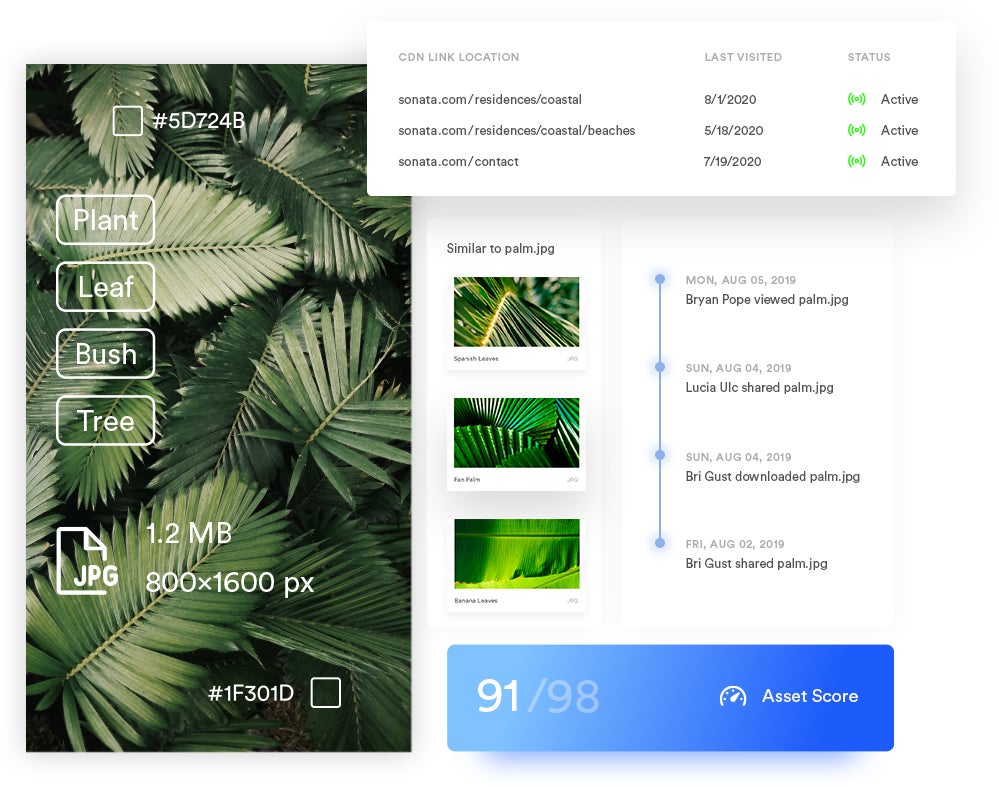
- It learns your DAM taxonomy and tagging habits so it can automatically organize new uploads and assign relevant metadata. Then it can leverage metadata to scan through your asset library and quickly pull files when you search.
- Brand Intelligence monitors edits to files and pushes updates globally (i.e., across share links and everywhere you publish assets online), so everybody is engaging with the most current, approved versions of your brand collateral. You don’t have to re-share files or make updates to published content.
- Brand Intelligence tracks user activity and gathers performance metrics for digital assets so you can easily see which content is most popular, who has access to content, where assets are published online and how often users engage with brand collateral.
Speaking of sharing…
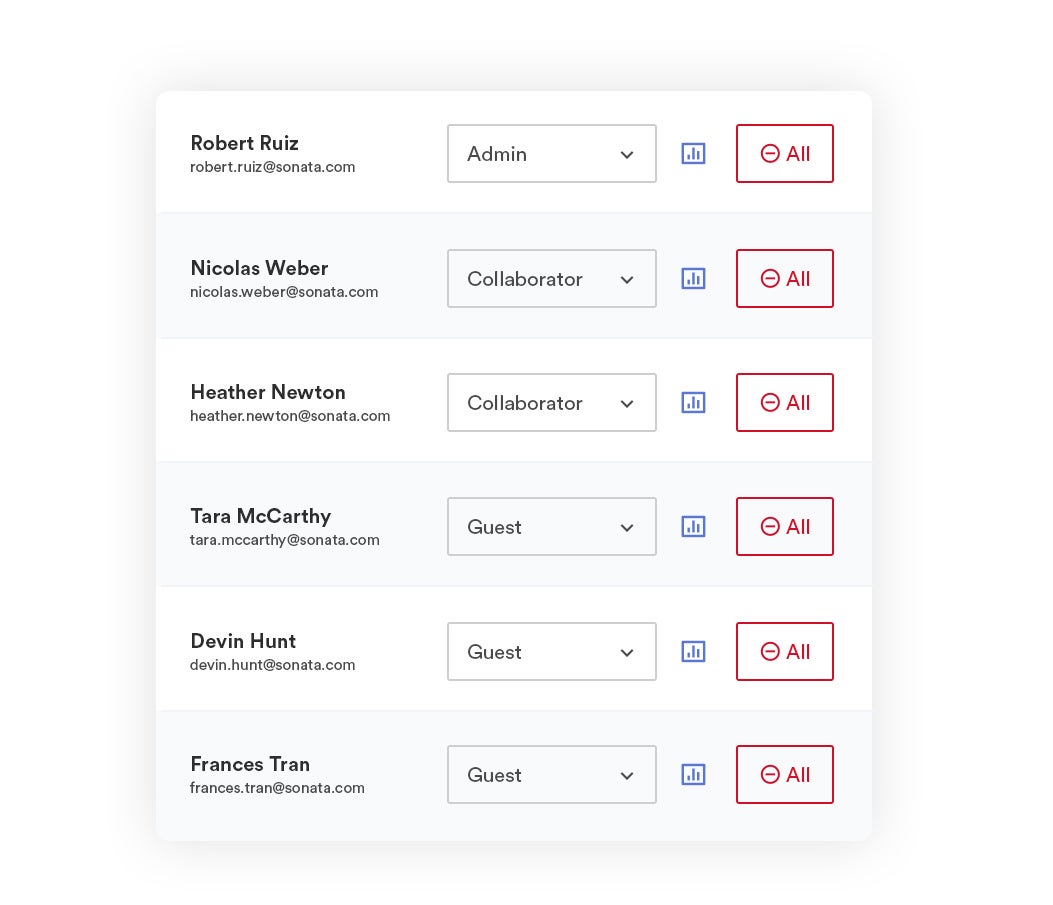
Brandfolder lets you easily share and monitor access to your digital content — you can add other team members to digital assets via user permissions (and control what users can do with content by assigning them a role).
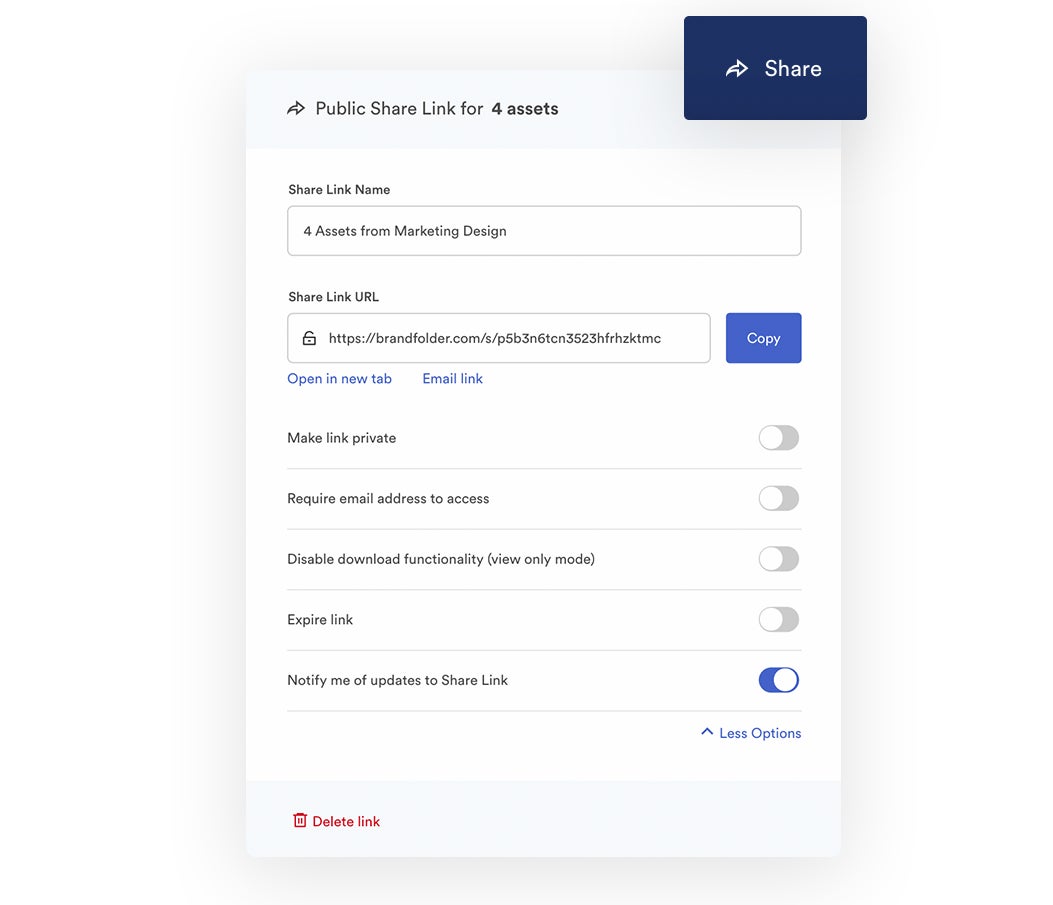
Custom share links let you send assets to people outside of your organization and oversee all external sharing. You can customize share links, watermark shared assets, restrict downloading for shared files, add or remove assets from share links, expire links and more. Then you can track all share links in the reporting dashboard. (We also offer free unlimited guest seats and never charge extra for file or photo sharing.)
Similar to PhotoShelter, Brandfolder has features and tools that support creatives and empower end users to edit, refresh and repurpose digital content without compromising the quality of files or your brand image. These include:
- User-friendly transformation tools that let you optimize and convert files, adjust resolution and crop media before downloading it or publishing online.
- Video editing features that let you trim videos, make video clips and GIFs and watermark videos.
- **Content automation tools** that let you customize marketing collateral templates and create new content on the fly. These even support bulk editing so you can generate multiple versions of content with a couple of clicks. Say, for example, you wanted to make several versions of a promotional flyer to be used at multiple retail locations or through different seasonal campaigns.
- Workspace, a project management suite where users can collaborate on creative requests, marketing campaigns and other general tasks. Brandfolder also integrates with tools like Smartsheet and Trello so you can use the systems in sync and access more advanced project management features in the DAM.
Read more: The Brand Consistency Checklist
Also similar to PhotoShelter, Brandfolder integrates with dozens of other software so you can use the DAM as a single source of truth and support user workflows.We integrate with tools like:
- Photoshop, InDesign, Lightroom, Canva, Sketch and other design apps.
- Getty Images and other photography websites.
- eCommerce sites like Shopify.
- Hootsuite, HubSpot and other marketing software.
- WordPress, Contentful and content management software.
- Salsify and product information management software.
- CRM systems like Salesforce and Seismic.
- Google Apps, Microsoft Teams and other workspace collaboration tools.
- Web-to-print services like Gelato.
Brandfolder also has an open-source API so developers can build out custom integrations.
Our DAM has a **native content delivery network (CDN)** so you can publish assets on any site by simply copying and pasting the CDN link. By using Brandfolder CDN to publish, you can track online publishing, automate updates to content (as we discussed with Brand Intelligence) and get more in-depth insights on asset usage.
Read more: Top 8 Must-Have Digital Asset Management Integrations
The last feature on our list is **Brandfolder Insights** — our DAM’s built-in reporting dashboard. This is where you can access all of the reports and analytics on your brand assets. We display:
- A real-time user activity feed.
- At-a-glance reports that rank (current) top-performing assets and most active users — you can also adjust report dates to look at metrics over different months or years.
- Granular usage details that show you how often files are viewed, downloaded, shared and published online.
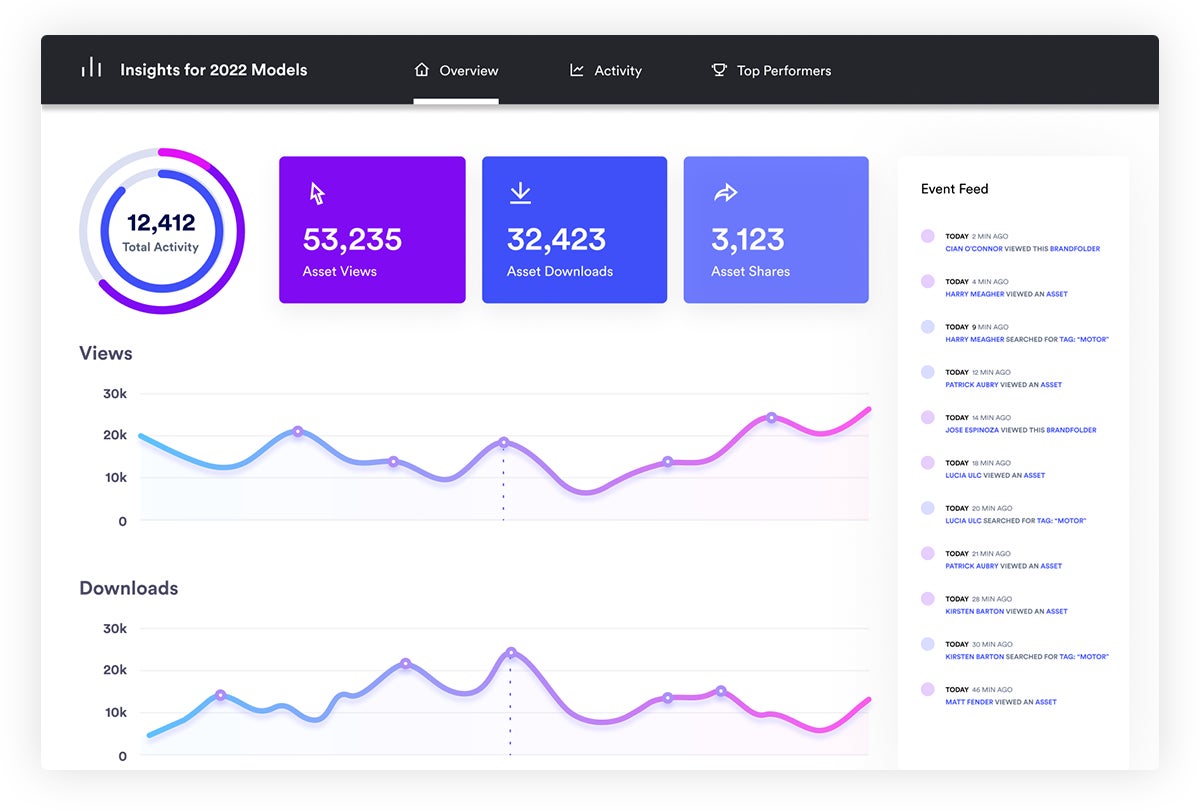
You can use these insights to understand which media files are most useful, report on the success of new projects, monitor brand consistency and refine your digital and creative strategies.
Reporting data also lets you keep an eye on who has access to your digital media and what they do with it, so you’re not sending content and just trusting that recipients will use it correctly or retire it when they promise. This way, you can make the most of your brand assets and creative efforts.
Getting Started with Brandfolder
Brandfolder and PhotoShelter are similar in many ways: the core features are comparable, both DAMs have extra tools to support creative workflows and both DAMs score well on user review sites.
But when comparing the two solutions, Brandfolder comes out on top:
- We out-rank PhotoShelter in categories like ease of use, ease of set up and customer support.
- Our dashboard and features are more modern and user-friendly so onboarding is smoother, and you can add other users to the DAM without extra fees or training time.
- We offer more flexible pricing to accommodate a wider variety of businesses and scale with growing teams. And we provide hands-on guidance during set-up to help you make the switch.
If you want to learn more about our DAM solution and how to tailor Brandfolder to support your goals, you can **get started by scheduling a free demo and consultation call with our team**.
Read more: Digital Asset Management for Designers: The #1 DAM for Creatives
2. MediaValet
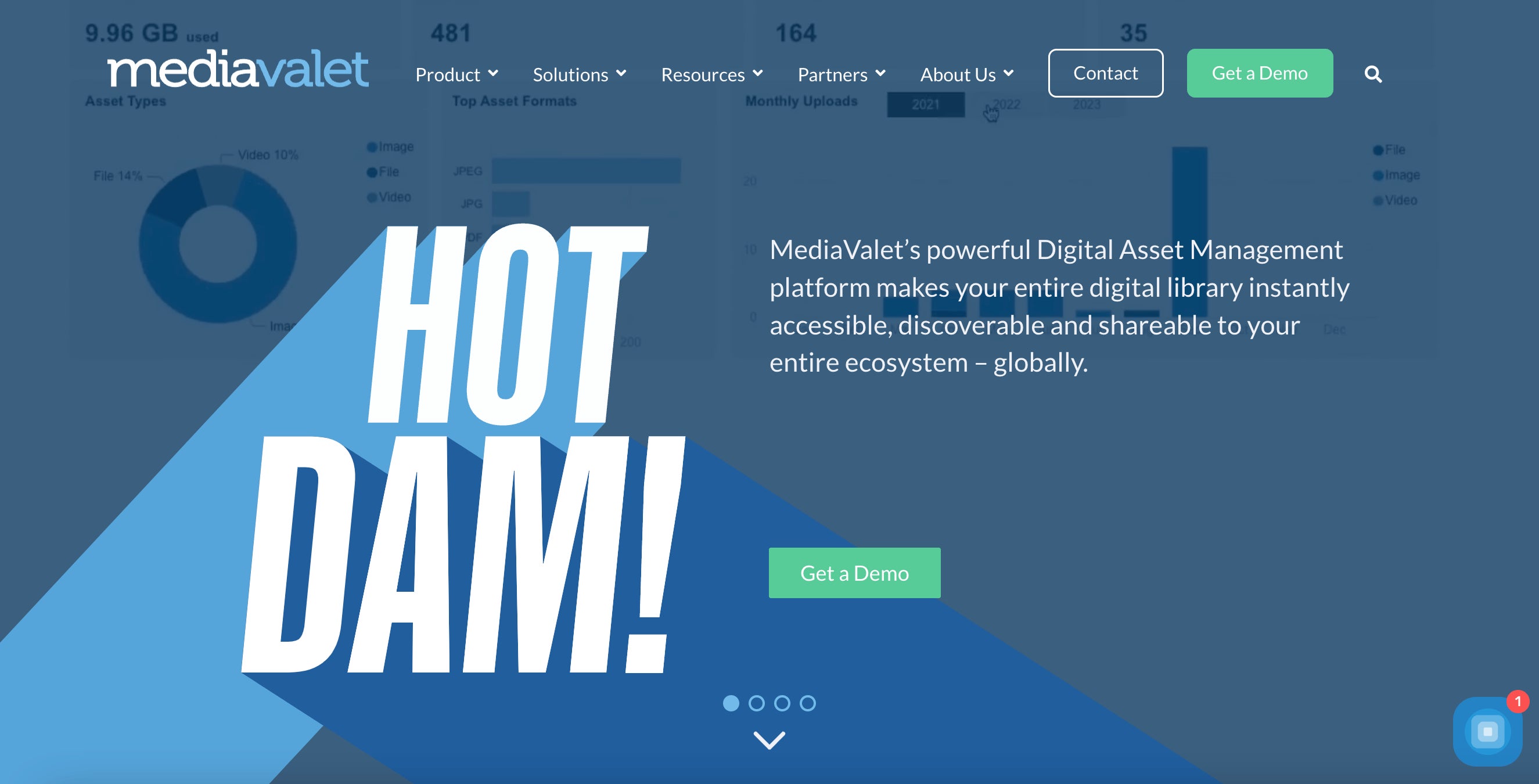
MediaValet is a highly-rated DAM software that’s usually recommended for enterprise creative and digital agencies. It supports unlimited storage and user seats, has extra features to streamline content creation and manage work-in-progress files and includes an asset archive to manage expired or previously-used brand collateral.
Here are a few reasons reviewers like MediaValet:
- They provide mobile apps for iOS and Android, so it’s easy to access brand content from anywhere and on any device.
- MediaValet offers helpful customer support which makes it easy to switch from your existing storage drive and implement a new solution.
- It has strong integrations with Microsoft applications (and is built on Microsoft Azure) so teams that are already entrenched in the Microsoft ecosystem can use this DAM with their other tools.
Like Brandfolder, MediaValet has a **4.5-star rating on G2**.
And although MediaValet offers a high-quality DAM product and responsive customer support, it’s not the most flexible DAM solution (which is why it’s recommended for enterprise teams with bigger budgets).
MediaValet bases its quotes on storage space, but its cloud storage prices fall on the more expensive side — so you can store an unlimited number of files and add as many users as you need, but the cost of using MediaValet can become expensive as your library grows.
Other negative reviews note slow speeds, glitchiness and occasional software crashes. Reviewers also say that MediaValet’s UX is a little difficult to navigate and the platform requires training to learn the ins and outs.
Read more: MediaValet Reviews: Brandfolder vs. MediaValet DAM
3. Bynder
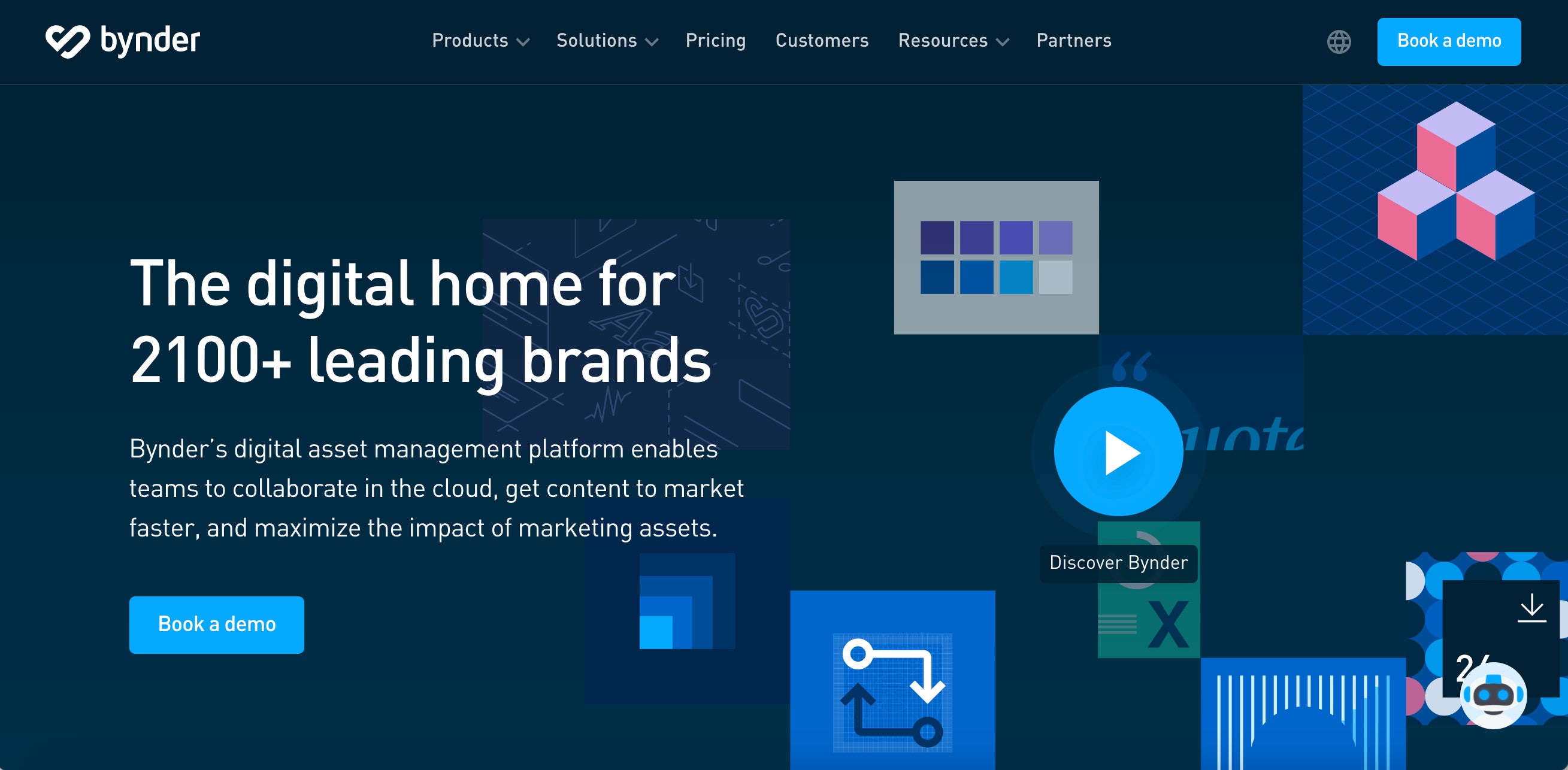
Bynder’s DAM software is popular for small, mid-size and enterprise businesses alike because, like Brandfolder, Bynder offers flexible set-up options, user-friendly features that require minimal training and guided onboarding packages to support DAM adoption.
Bynder has a **4.5-star rating on G2** and scores well in categories like quality of support (9.1) and ease of use (8.9). And although Bynder has historically been popular amongst larger teams, they’re now a more attainable option for small brands due to their custom pricing, helpful support packages and the DAM’s intuitive UX.
Unlike PhotoShelter, MediaValet and Cloudinary (below), Bynder is a more “universal” DAM. They offer extra features to support rich media management and creative workflows, but Bynder isn’t specifically tailored to one group of users. Bynder is customizable so you can organize your DAM library, select add-on features and set up integrations to support your specific needs (as such, Bynder works with businesses across a variety of industries).
Aside from Bynder’s positive reviews, some users mention complaints with the software, saying:
- Bynder is overall user-friendly, but their team isn’t the best at keeping you in the loop about software updates, so sometimes you log in and features have changed. In short, Bynder requires continuous learning to keep up with.
- The layout of the asset library can be a little overwhelming when you have a high volume of files. Reviewers mention wanting better ways to organize groups of assets within the main DAM library.
- Bynder’s search tool isn’t the most intuitive or accurate. It doesn’t always pull relevant results and it can take some digging to find the files you’re looking for. (And this can become even more of a pain as your library grows.)
- Bynder offers a lot of advanced extras, but some of the basic features (like asset storage and search) are lacking. They need more updates to the essentials and less focus on the extras.
All in all, Bynder is a reliable DAM product that works for a number of businesses — it’s customizable to cater to small teams and scalable to grow with global brands. But you can read more about Bynder in our guide: 6 Bynder Alternatives: How Brandfolder & Other Competitors Compare
4. Widen
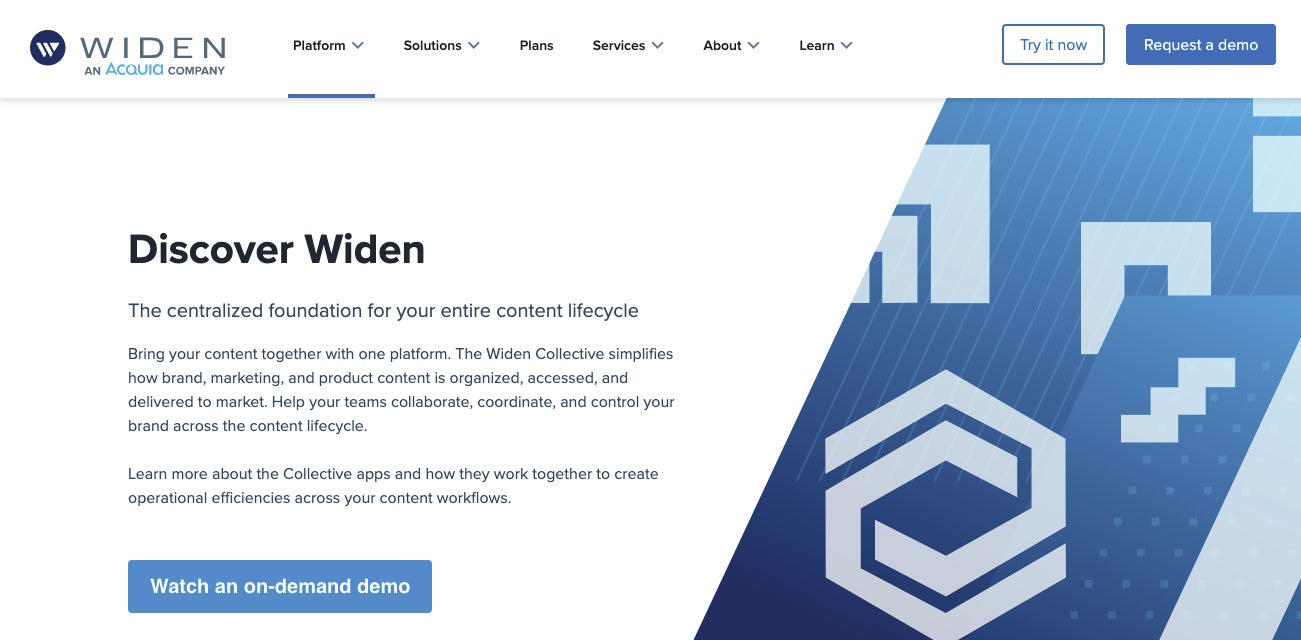
Widen is a top choice for eCommerce and retail brands — as well as manufacturing, food & beverage, CPG and other product-based businesses — because it offers a DAM+PIM (digital asset management + product information management) solution. In other words, Widen lets you:
- Store, organize, share, refresh and monitor your brand’s digital assets, and
- Create a product catalog and store detailed product information.
All in one system.
DAM+PIM solutions are convenient for eCommerce, retail and other product-based businesses because these teams typically have a lot of digital assets (like product imagery, sales decks, information guides and warranty documents) that coincide with the products they sell. So DAMs like Widen allow teams to store everything in one hub. They can look up products in their inventory, see all associated product information and retrieve images and other digital files they need to market and sell products. They reap the benefits of two softwares in one.
However, considering that Widen packs in both DAM and PIM functionalities, it’s no surprise that this solution is one of the most expensive options on our list. They typically work with enterprise or global brands (though they offer custom quotes for smaller teams that are interested in the product). Unless you need both DAM and PIM software, Widen might not be the most cost-effective option for your business.
Here are some quick pros and cons of Widen (from user reviews):
Pros
- Widen makes it easy to organize all of your digital assets and product information in a clear, systematic way. You can set up Collections and Portals with ease and Widen’s AI helps you retrieve files and information in seconds.
- Reviewers say that Widen offers helpful and responsive customer support. They are quick to answer questions and offer training tutorials via Widen University so users can learn the software at their own speed.
Cons
- Widen can be difficult to get up and running. The onboarding process can take months and training users on the software is another hurdle. Enterprise teams with the resources to dedicate to onboarding might not have much trouble, but rolling out software this complex can pose a challenge for small teams.
- Widen UX/UI is described as clunky and users say the features aren’t very user-friendly. Users mention limitations with features like Portals and note that adding other users to the DAM can be tricky (with both log-in issues and teaching external users how to navigate the platform).
Overall, Widen has a 4.5-star rating on G2 and scores well in categories like quality of support (9.2) and ease of use (8.7).
Read more: 6 Best Alternatives to Widen Collective: Buyer's Guide
5. Cloudinary
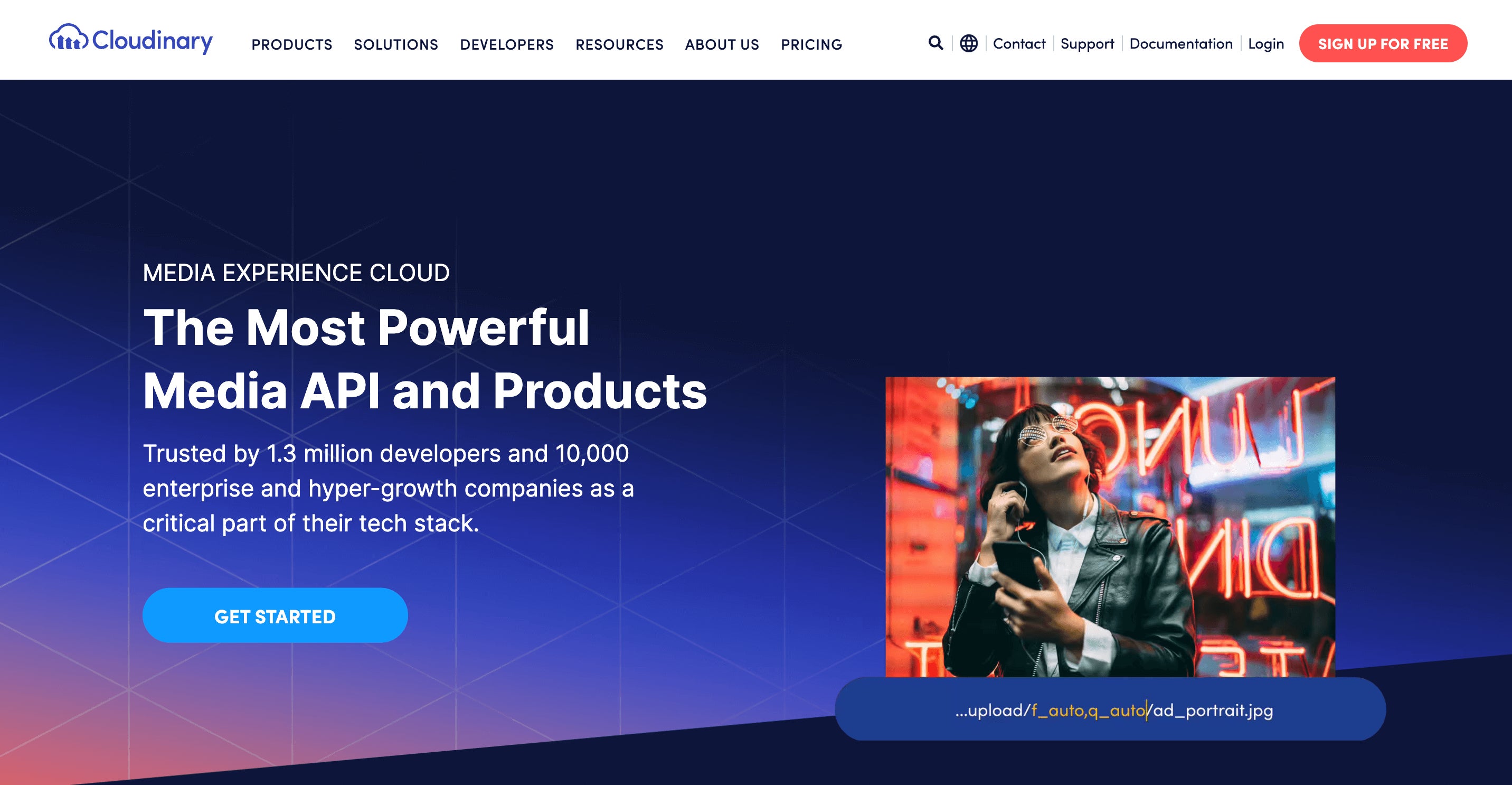
Cloudinary is another enterprise-level DAM but this option has more features specifically for graphic designers, professional photographers, media agencies and brand managers.
Their product is called the Media Experience Cloud because it supports rich media files, offers collaborative creative features to use and re-use brand collateral and has an advanced API to distribute optimized media across dozens of online channels. Their DAM features support the content lifecycle from creation to distribution to expiration. And they have robust reporting capabilities to track asset usage and digital projects.
In general, Cloudinary is recommended for large-scale agencies and content creators that have an extensive media library (specifically working with design files, marketing collateral, social media content, templates, videos, etc.), manage a high volume of online publishing and need more efficient methods to improve brand consistency.
And Cloudinary earns positive user reviews — **rated 4.5 stars on G2** — and scores well for their quality of customer support.
However, it’s worth noting that Cloudinary is a complex software that isn’t the easiest to deploy, learn or use. Their team is available to assist through onboarding, but reviewers note challenges with setting up the software and training users. And since the platform requires significant training, it’s impractical for teams to drop external collaborators into the DAM and expect them to understand how to use all of the available features. (Although once you learn the software, it’s easy to navigate between tools and take advantage of the more advanced features.)
In summary, Cloudinary works best for teams that work internally (don’t frequently share files or collaborate with external groups) and have the resources to implement the software.
Read more: 7 Cloudinary Alternatives & Competitors: Buyer's Guide
Brandfolder is an advanced DAM solution with user-friendly features that completely transform how you work with digital media and brand assets — schedule a free demo to see how Brandfolder can support your team's needs and business goals.